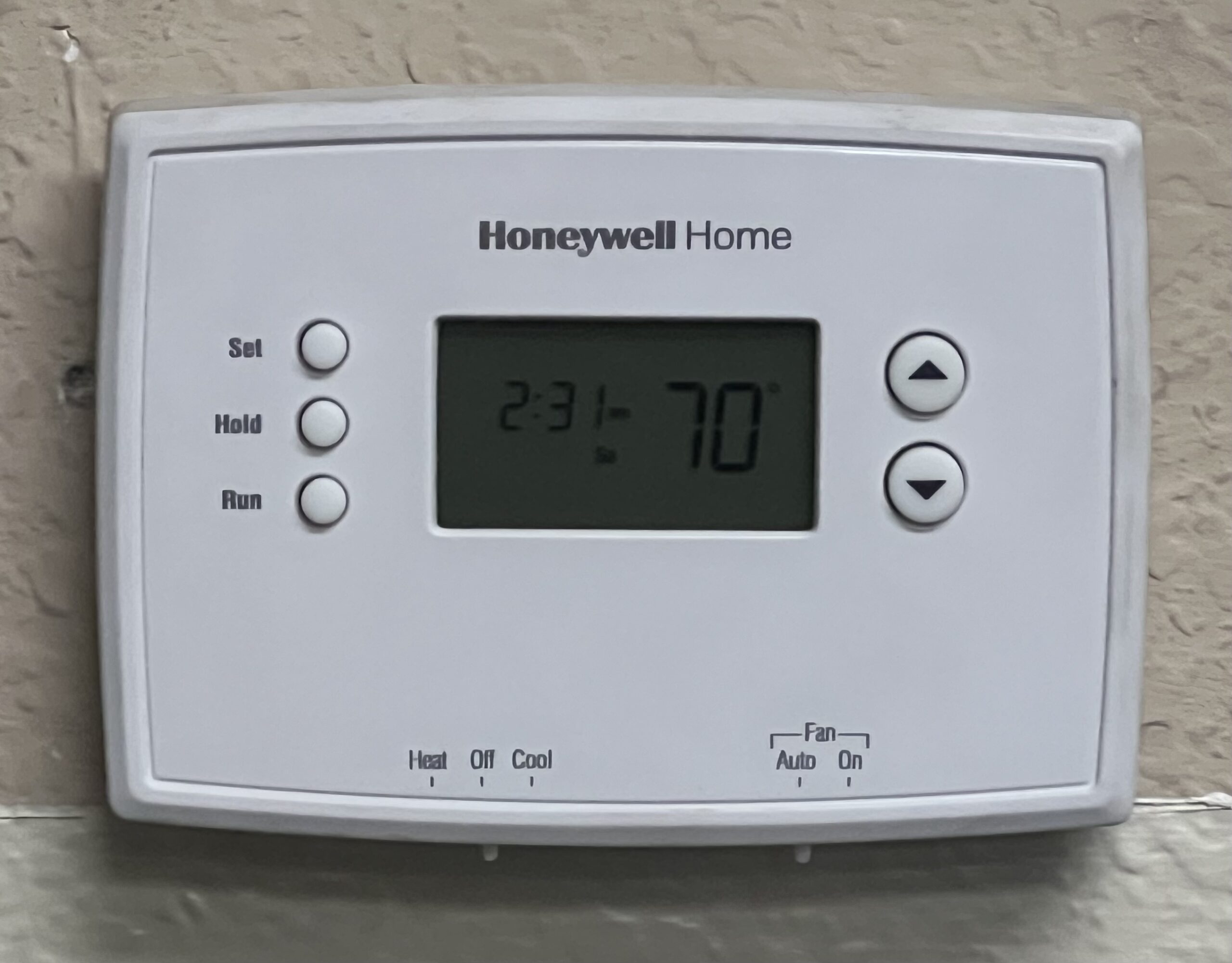
You walk over to adjust the temperature and the thermostat screen is black. No numbers, no backlight, nothing, and the system is not running either. The good news: a blank screen is usually a power problem, and power problems have a short list of causes. The thermostat itself is dead last on that list, which matters, because replacing a healthy thermostat fixes nothing.
Before you start, note whether anything else lost power (lights, clocks, the air handler’s hum) and whether the system stopped mid-cycle or never started. Those two details separate a house problem from a thermostat problem.
Safety first
Most of this guide is low-voltage and safe. Two boundaries: never open the breaker panel beyond its door, and never work on the air handler or furnace with its power on. Switch it off at the breaker or the service switch first, every time. If your checks lead you to the furnace control board, know that the board also carries line-voltage connections; if you are not completely sure which parts are which, that is the point to call a pro.
Tools you’ll need
Fresh batteries of the right size, a screwdriver, a flashlight, and a phone for photos of the wiring before you touch anything. A photo of the thermostat’s wire connections, taken before removal, is the difference between a five-minute reinstall and a very confusing evening.
The causes, ranked most likely first
1. Dead batteries
Many thermostats, including plenty of smart-home-era models, run on batteries even in houses with full HVAC wiring, and some use batteries as backup that quietly become the only power source. A screen that fades, shows a low-battery sign, and then goes black over a few days is the classic pattern. Pop the thermostat off its wall plate (most pull straight off or hinge up), replace the batteries, and reseat it firmly. If the screen returns, you are done.
2. A tripped breaker or a switched-off air handler
The thermostat gets its power from the indoor unit (the furnace or air handler) on most wired systems, so when that unit loses power, the screen dies with it. Check the breaker panel for a tripped breaker labeled furnace, air handler, or HVAC, and check the service switch near the indoor unit (it looks like a light switch and gets turned off by accident more often than any part fails). Reset a tripped breaker once; if it trips again, stop and call a pro.
3. The condensate float switch has tripped
This one surprises everyone. When an AC system’s condensate drain clogs, a float switch in the drain line or pan cuts power to stop an overflow, and on many systems it takes the thermostat down with it. If your blank screen arrived during cooling season, find the indoor unit’s drain line (a white PVC pipe near the coil) and check the pan or float switch for standing water. Clearing the clog (a wet/dry vacuum on the outside drain outlet is the standard homeowner move) and resetting the float often brings the screen, and the AC, straight back. A pro charges for this as a drain clearing, in the cost table below.
4. The air handler door is not seated
Indoor units have a safety switch behind the blower door or access panel. If a filter change or a bump left the door slightly ajar, the switch cuts power to the whole system, thermostat included. Reseat the door firmly and check that the door switch depresses fully.
5. A blown fuse on the furnace control board
The low-voltage circuit that feeds the thermostat is protected by a small automotive-style fuse (usually 3 or 5 amps) on the indoor unit’s control board. A short in the thermostat wiring, often from a weed trimmer nicking the outdoor unit’s control cable or a wire chafing through, blows it. With the power off, the fuse pulls out like a car fuse and a blown one is visibly darkened or broken inside. Replacing it with the same amperage costs a few dollars. If the new fuse blows immediately, there is a short to find, and that is pro work with a meter.
6. Wiring problems, especially a missing or failed C wire
Smart thermostats need continuous power, usually through a C (common) wire. A thermostat that worked for months and then started dying, rebooting, or going blank may be starving on a marginal power setup, or a wire has come loose at the wall plate or the board. With power off, check that every wire is firmly seated and the copper is clean. Photograph first, touch second.
7. The thermostat has actually failed
Thermostats do die, typically after about a decade, and a screen that stays black with confirmed power at the wires and fresh batteries is a genuinely failed unit. This is the only cause on the list where a new thermostat is the fix, which is why it is ranked last: confirm power first, replace second.
When to call a pro
Call when a breaker or board fuse blows again after one replacement, when you find standing water you cannot clear, when the wiring is a nest you cannot identify from a photo, or when power is confirmed at the thermostat and the screen is still dead (at that point you are buying a thermostat, and a pro install includes checking the system the blank screen may have been warning you about). If the screen is fine but the AC blows warm air, that is a different guide: see AC not blowing cold air. If the thermostat works and the furnace will not start, see furnace not turning on.
What a pro typically costs
These are typical 2026 ranges from Angi and Fixr contractor data. Ask whether the diagnostic fee is applied to the repair before you approve the work, and run any quote through the cost calculator.
| Repair | What a pro typically costs |
|---|---|
| Diagnostic visit | $75 to $150 |
| Clearing a clogged condensate drain (float switch reset) | $75 to $250 |
| Control board fuse replacement (as part of a visit) | Usually folded into the diagnostic visit; the part is a few dollars |
| Thermostat replacement, basic (installed) | $150 to $300 |
| Thermostat replacement, smart (installed) | $300 to $600 |
| Adding a C wire for a smart thermostat | $150 to $300 |
These figures also live in the Home Repair Cost Index, in the HVAC section.
Repair or replace?
For the thermostat itself, the answer is almost always replace rather than repair: thermostats are not serviced, they are swapped, and a basic replacement is one of the cheaper visits in this index. Replace proactively when a thermostat is a decade old, when its screen or buttons are failing even with power confirmed, or when you are quoted a board or wiring repair that only makes sense alongside a new unit. But do not let a blank screen sell you a thermostat before the power checks above are done: causes 1 through 6 are all cheaper than a new thermostat, and three of them are free.
FAQ
Is my thermostat dead or is it the furnace?
Most of the time, neither is dead: the thermostat has lost power, and the furnace or air handler is where that power comes from. Check the batteries, the breaker, the service switch, and the condensate float switch before concluding anything has failed. A thermostat is only the likely culprit when power is confirmed at its wires and the screen stays blank.
Why did my thermostat go blank and the AC die with it?
Because the thermostat is the switch for the whole system. If it loses power, it cannot call for cooling, so the AC stops too. In cooling season the most overlooked cause is the condensate float switch: a clogged drain cuts power on purpose to stop an overflow, and it looks exactly like a dead thermostat.
Do all thermostats have batteries?
No. Some run entirely on power from the HVAC system through a C wire, some run on batteries alone, and some use batteries as backup. If yours has a battery compartment, dead batteries are the first check regardless of what the wiring looks like, because a backup battery that has taken over full-time dies without much warning.
What is a C wire, and why does it matter?
The C (common) wire completes the power circuit from the HVAC system to the thermostat. Older homes often have thermostat cables without one, because mechanical thermostats never needed power. Smart thermostats do, and running one without a C wire is the most common cause of a smart thermostat that goes blank, reboots, or drains its internal battery over time.
How long do thermostats last?
About ten years is a fair expectation. Screens fade, relays wear, and older models lose compatibility with new equipment and apps. If yours is past that mark and the power checks in this guide all pass, replacement is a reasonable call rather than a guess.
Leave a Reply